Fast visual ordering
Keep familiar and popular products within easy reach, so each order starts with fewer taps.
Explore how Hawker POS, CFD and self-ordering work together to make service faster, orders clearer and growth easier to manage.
Start at the counter. Add customer clarity. Open another ordering lane when it earns its place.
A focused counter flow keeps products, choices, payments and shift status clear when the stall is busiest.
Explore Hawker POS →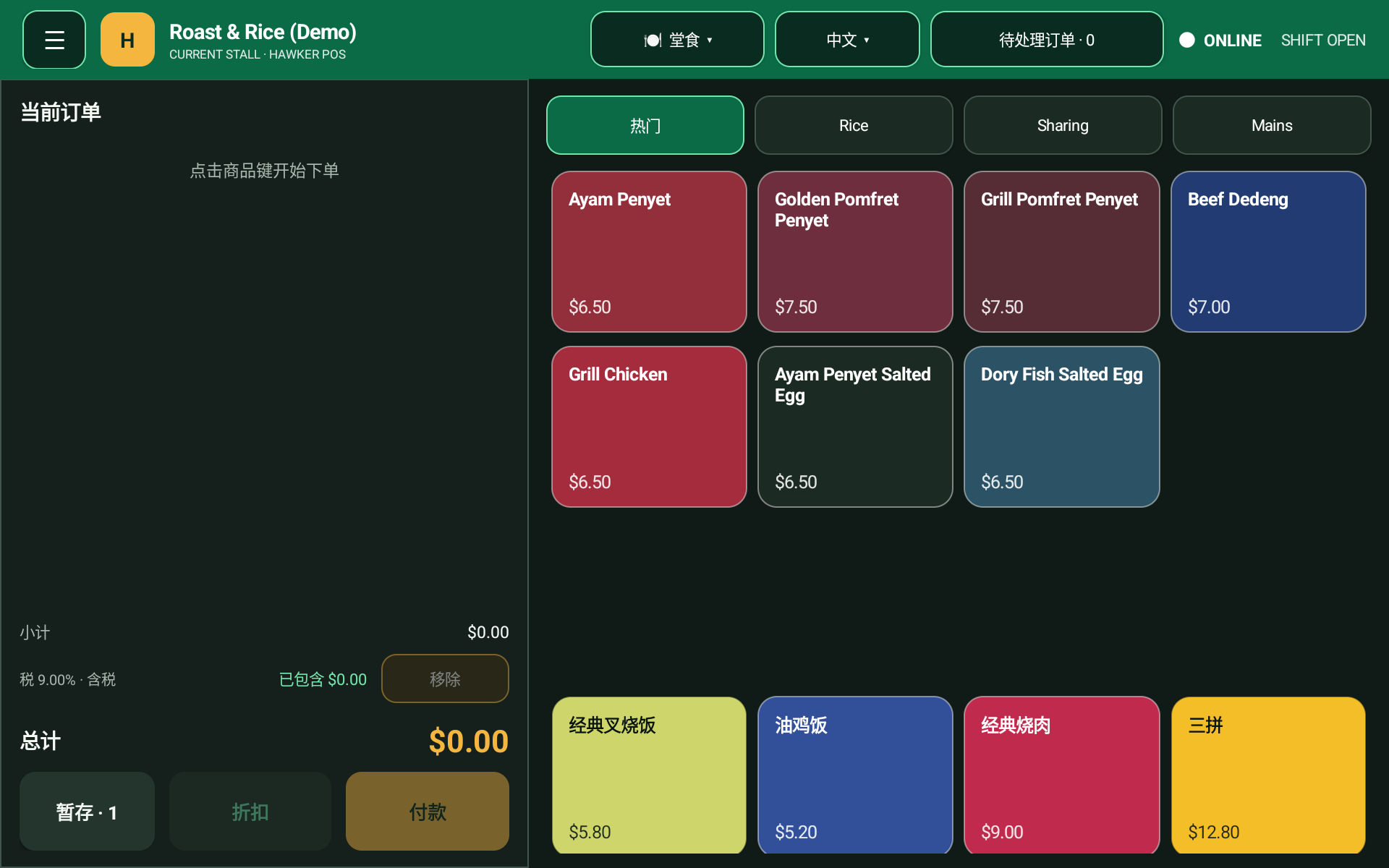
Keep familiar and popular products within easy reach, so each order starts with fewer taps.
Capture portions, add-ons and fulfilment choices in the order instead of relying on memory.
See the basket and total before moving into the stall’s configured payment flow.
Keep sales activity and shift status together, giving authorised staff a clearer daily handover.
Support counter teams in English, Chinese and Malay without changing the core ordering flow.
Arrange categories and products around the way the team actually serves during a rush.
A customer-facing screen makes the active order visible before payment, helping both sides catch uncertainty early.
Explore Hawker CFD →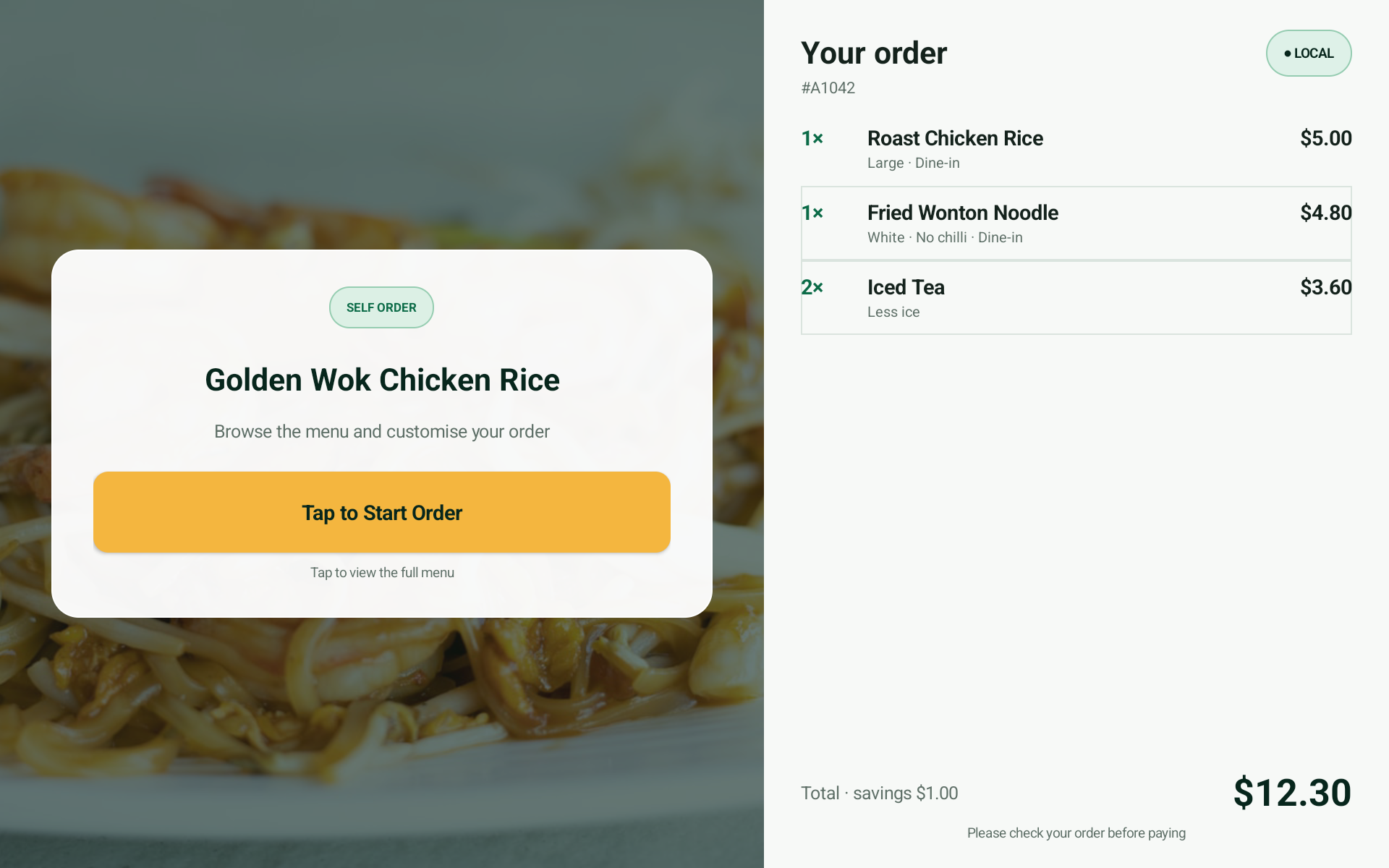
Customers can see items, quantities, choices and totals as the counter builds the order.
A visible final check can reduce avoidable remakes, refunds and awkward corrections.
Show the running total in front of the customer before the payment handover.
Use the screen to reinforce the spoken order when queues, accents and background noise compete.
Use the display for order confirmation, self-ordering, or both as the stall’s needs change.
Keep the customer view aligned with the same counter order instead of creating another manual step.
Customers can browse and build an order at their own pace while the team keeps cooking, packing and serving.
Explore self-ordering →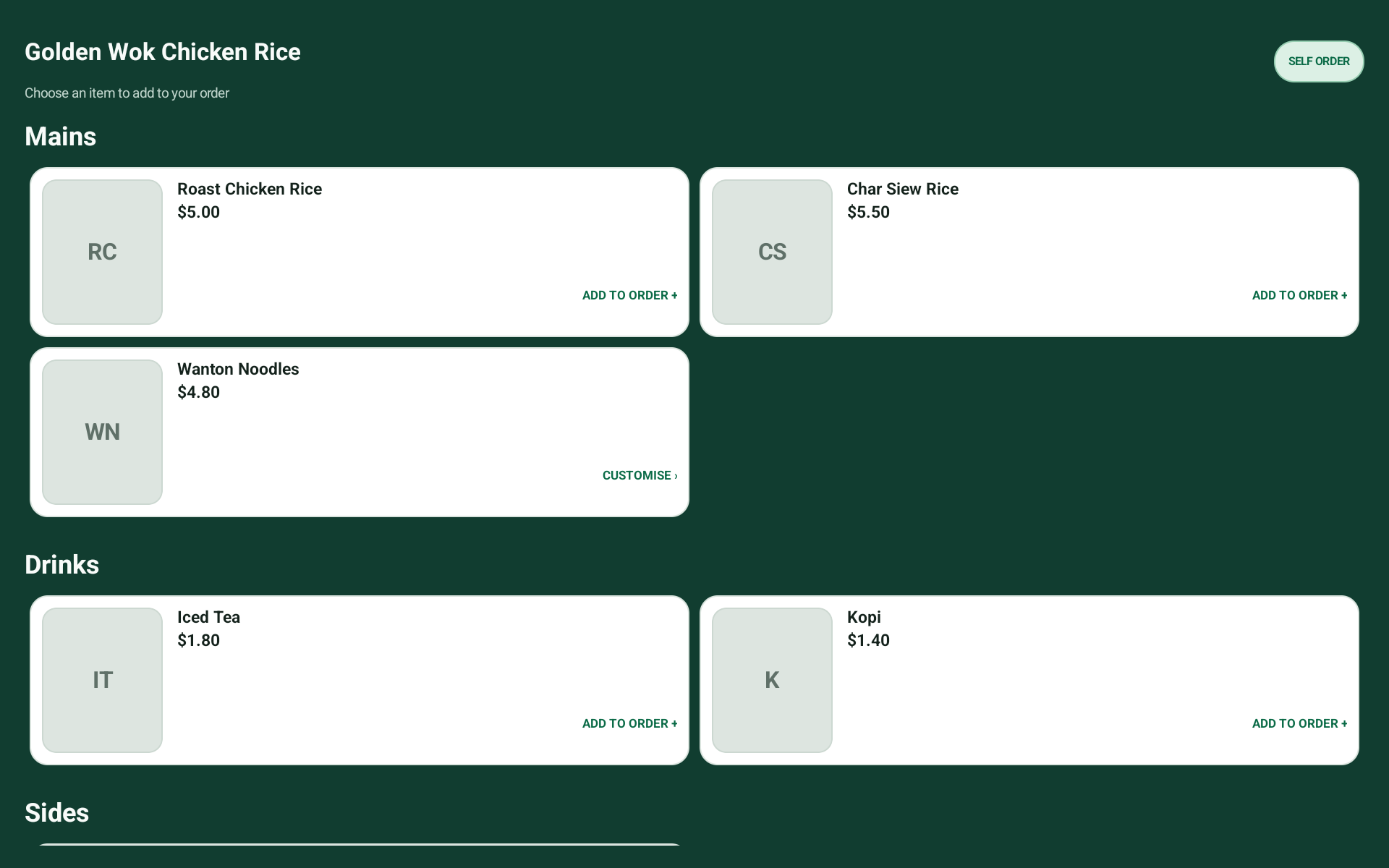
Give customers time to compare dishes and prices without extending the counter conversation.
Present required and optional choices in a consistent order so decisions are easier to complete.
Let customers check the full basket and total before the order reaches the stall.
Create another way to begin an order while staff stay focused on preparation and handover.
Extend the Hawker POS setup instead of maintaining an unrelated ordering experience.
Run self-ordering on its own or alongside customer confirmation to suit the available counter space.
Clear answers to the questions that matter before a stall changes its counter workflow.
It is built for Singapore hawker stalls and small food businesses that need fast ordering, clear modifiers, simple checkout and local support.
Yes. Start with Hawker POS, then add a customer-facing display or self-ordering when it creates useful clarity or extra ordering capacity.
It shows the live basket, choices and total to the customer before payment, helping both sides catch uncertainty earlier.
Hawker POS, Hawker CFD and Self-ordering software are free, with no monthly or annual software subscription. Hardware, setup, payment services and other services are separate.
We keep this public overview focused on business outcomes. During planning, we match the detailed workflow, hardware and support scope to your stall before anything is rolled out.
View pricing →